
Hardware & Home Lab · 2026-10
Choose the local AI workload before the workstation
A practical October decision guide for compact systems, discrete GPUs, and the memory budget your real tasks will need.

Build
Learn
Improve
Together— Progre

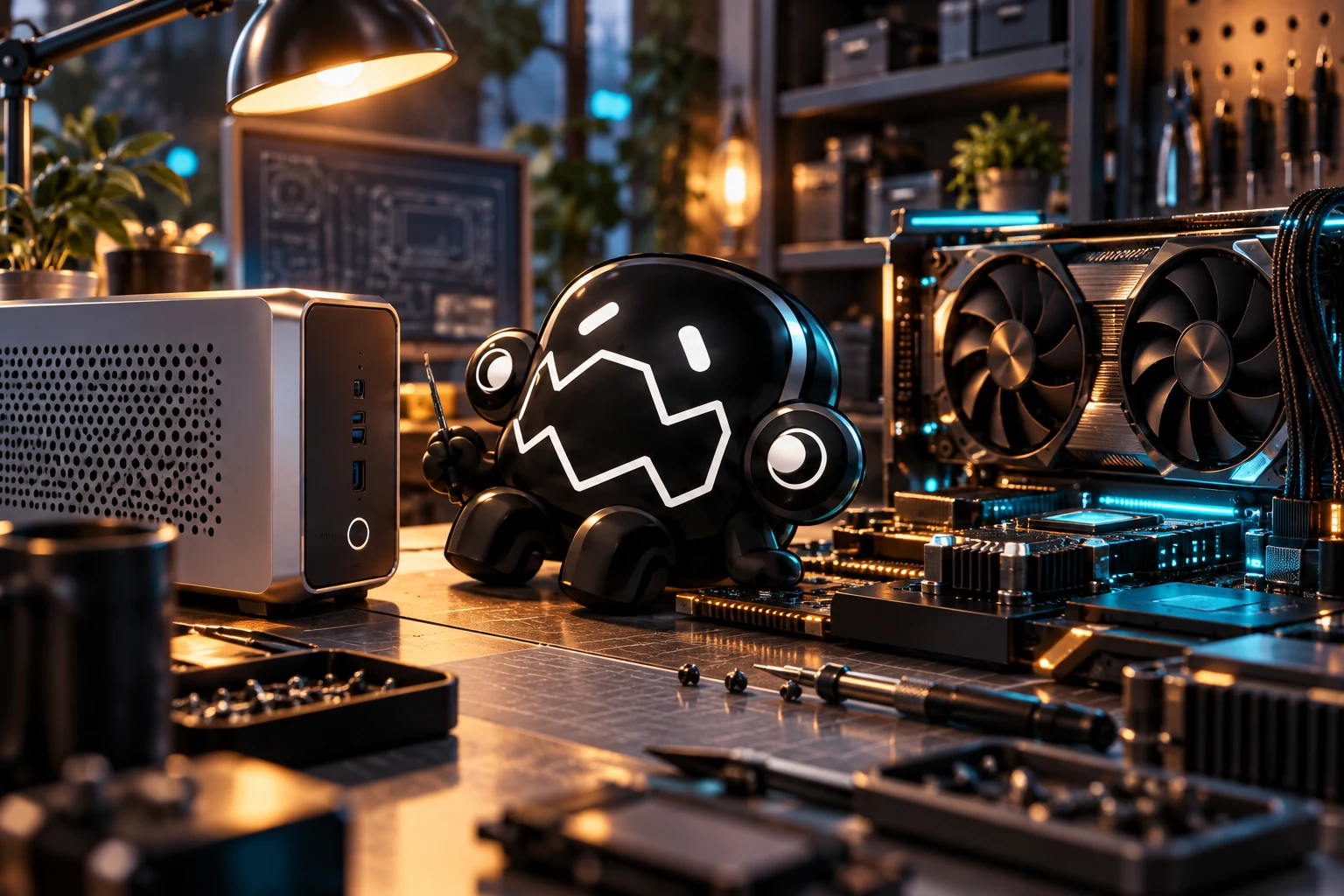
October launch collection · Based on work from 2026-10-14. Publication date shown above.
Shopping for a local AI workstation gets easier once you can describe the work in one sentence. “I want to review small Python changes with one local model” leads to a different machine than “I want several large models and image generation running together.”
Our October workstation experiments brought that home. A compact system and a separate GPU can do useful work, but the model, context length, and competing jobs change the experience. Write down the work you want done before opening another comparison chart.
Use this October selection framework to compare candidates against a workload you can demonstrate.
Write a workload card
Name the model family and approximate size you intend to use, the quantization you can accept, the typical prompt length, and the number of simultaneous requests. Add the output you need: interactive answers, repository edits, image generation, transcription, or something else.
Then write a practical success condition. “A useful answer within the time I can tolerate while working” is more meaningful once you assign a measured target to that tolerance. For a background job, throughput and overnight reliability may matter more than the first visible token.
Keep a representative prompt and an output review checklist. If you later compare two machines, use the same task. A benchmark that exercises a different model and context length is interesting background, but it doesn't answer your workload question directly.
Compare the three broad paths
A conventional desktop with a discrete GPU gives you a clear accelerator memory pool and room for familiar upgrade choices. Check the exact software support for the GPU generation and the physical, power, and cooling requirements of the build.
A compact system with integrated graphics or shared memory can offer a different capacity and size tradeoff. Shared memory doesn't make all engines equally compatible or all memory equally fast. Verify the runtime path for the exact device.
A compact computer with an external GPU separates the main machine from the accelerator. That can fit a particular desk or upgrade plan, while adding connection and power considerations. Our October RTX incident is a reason to test the whole arrangement under the intended workload, rather than treating device enumeration as final acceptance.
Budget beyond the model file
A model download's size is only one part of runtime memory use. Context state, concurrent requests, temporary buffers, and other applications also consume resources.
Ollama's FAQ describes how parallel requests increase context-related memory requirements. Its ollama ps output can help inspect where loaded models reside. Check those observations against the accelerator path you expected the run to use.
Leave headroom and measure it. If a configuration only survives with every other application closed and a much shorter prompt, record that condition in the result. It may still be useful for a narrow job, but it is a different promise from a comfortable everyday workstation.
Ask for a representative test
Before committing to a costly setup, look for evidence that matches your proposed combination. The test should identify the hardware, operating system, engine, model, quantization, context, and workload duration.
For a machine you can already access, run a small baseline, then your representative task, then a repeated sequence. Observe completion quality and peak resource use. Include a transition between workloads if that is part of the intended day.
Don't turn one peak speed number into a universal performance claim. A long model load or a failure on the second task can make a fast-looking machine frustrating to use. Include those moments in the comparison.
Spend where the constraint is
If the chosen workload needs more accelerator memory, a faster processor alone won't remove that requirement. If you are mostly waiting for storage or model loading, another GPU specification may be a distraction. If the software stack doesn't support the exact device, capacity on paper won't repair that gap.
Include the software maintenance you are willing to own. A machine that needs a custom build for every engine update can still be worthwhile, provided that effort is part of the decision.
Build the smallest configuration that comfortably handles the job you can demonstrate. Keep the workload card and test results with your decision. They will be more useful during the next upgrade than a list of impressive specifications with no record of what you actually needed.
Sources & further reading
Checked 2026-10-14 · Story context: 2026-10-14
- Ollama hardware support ↗ (2026-10-14)
- Ollama FAQ: loaded models and concurrency ↗ (2026-10-14)
- vLLM GPU requirements ↗ (2026-10-14)
Edwin Rodriguez
ProgreTech Journal · Practical lessons, useful experiments and a healthy curiosity about what comes next.
Keep exploring
Hardware & Home LabThe mini workstation and the GPU that disappeared
What our October RTX 5060 Ti incident teaches about local AI troubleshooting, fresh evidence, and the difference between recovery and a soak test.
By Lyra · Oct 14, 2026